A quick post about an old design.
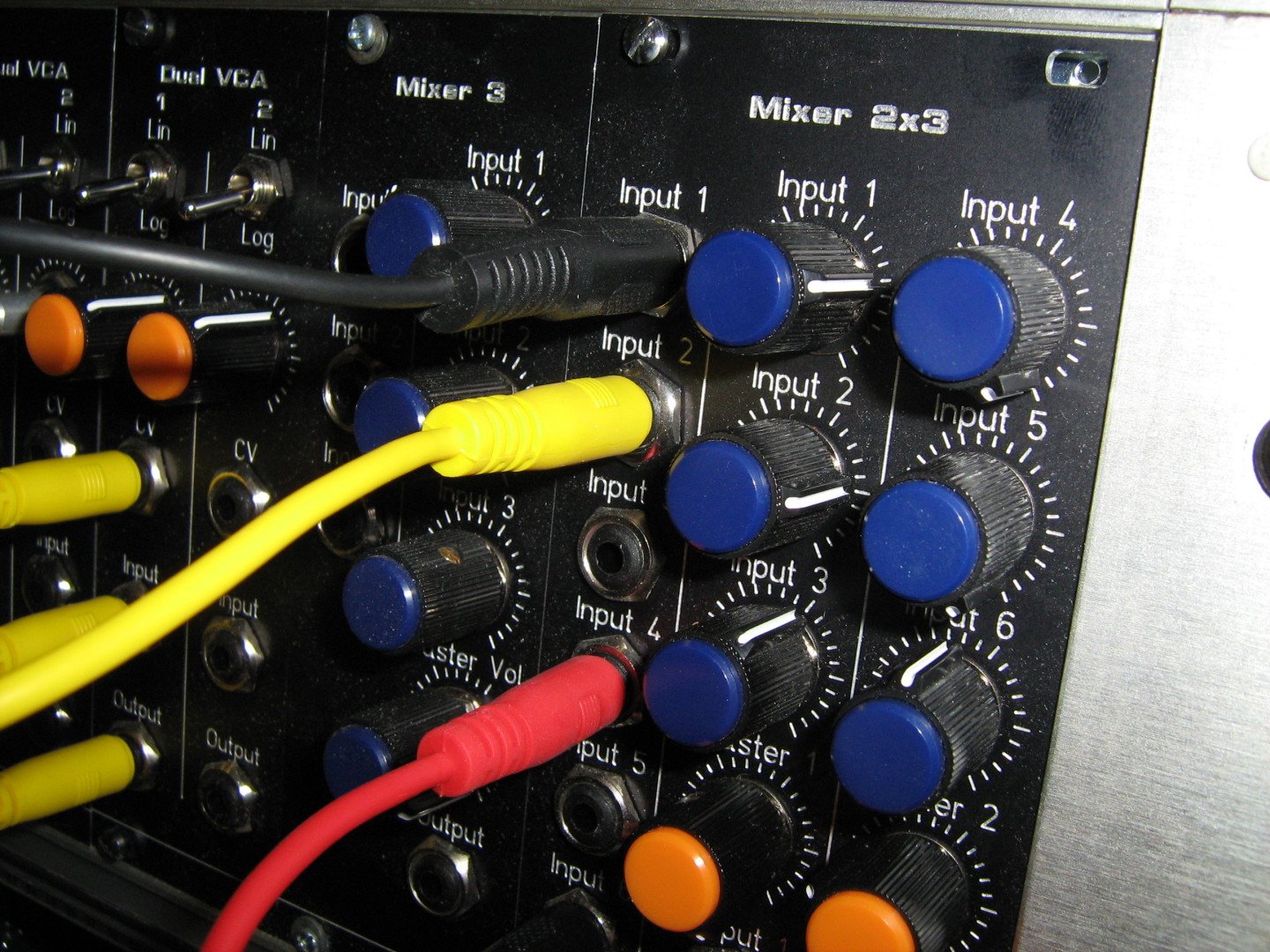
This is a simple 3 mono input mixer.
Continue reading Simple Mixer with 3 Mono Inputs
A quick post about an old design.
This is a simple 3 mono input mixer.
Continue reading Simple Mixer with 3 Mono Inputs
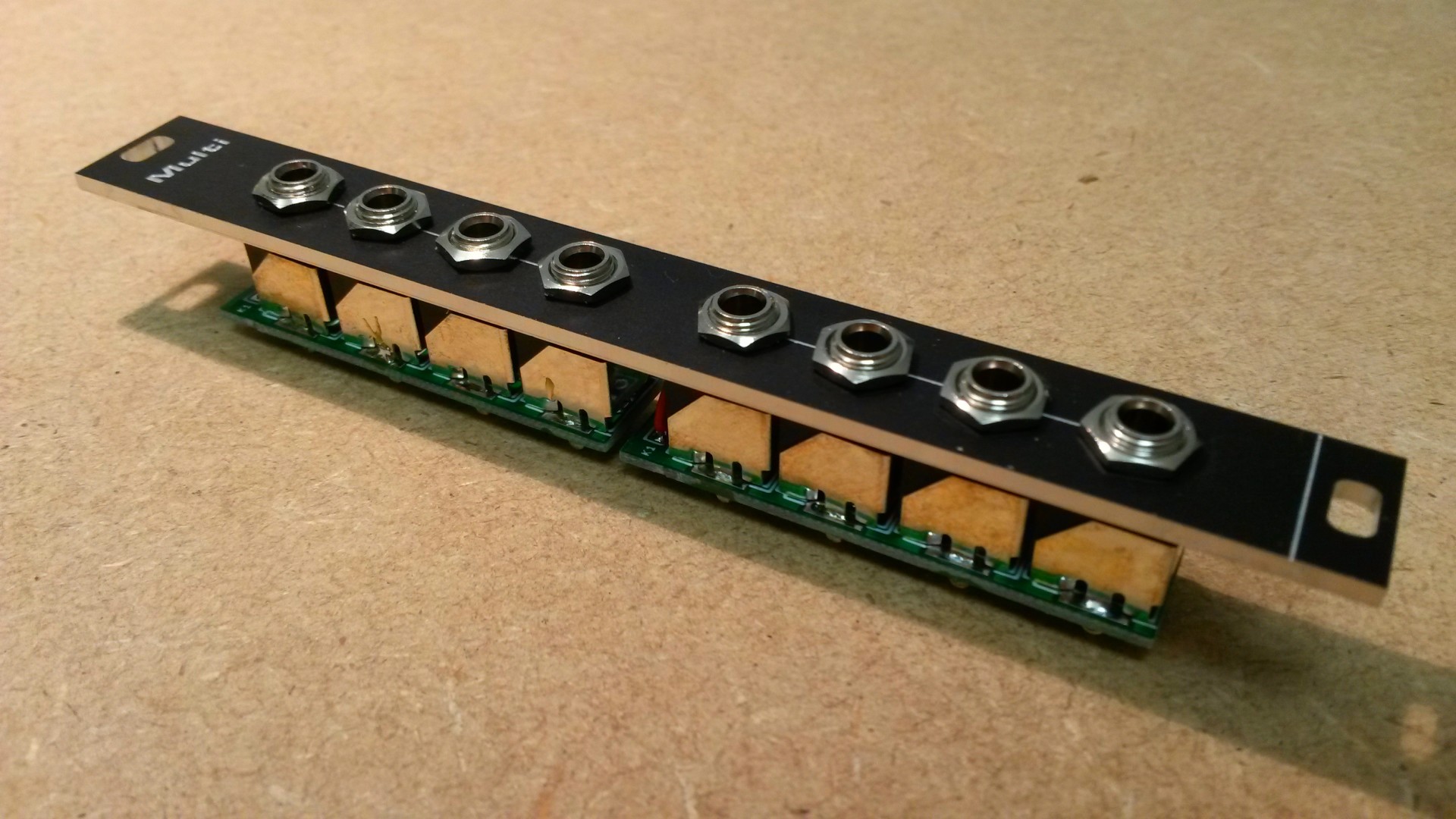
The Passive Multiple is the simplest module you can find in a Modular Synth. But you really need a bunch of them.
Continue reading Passive Multiple
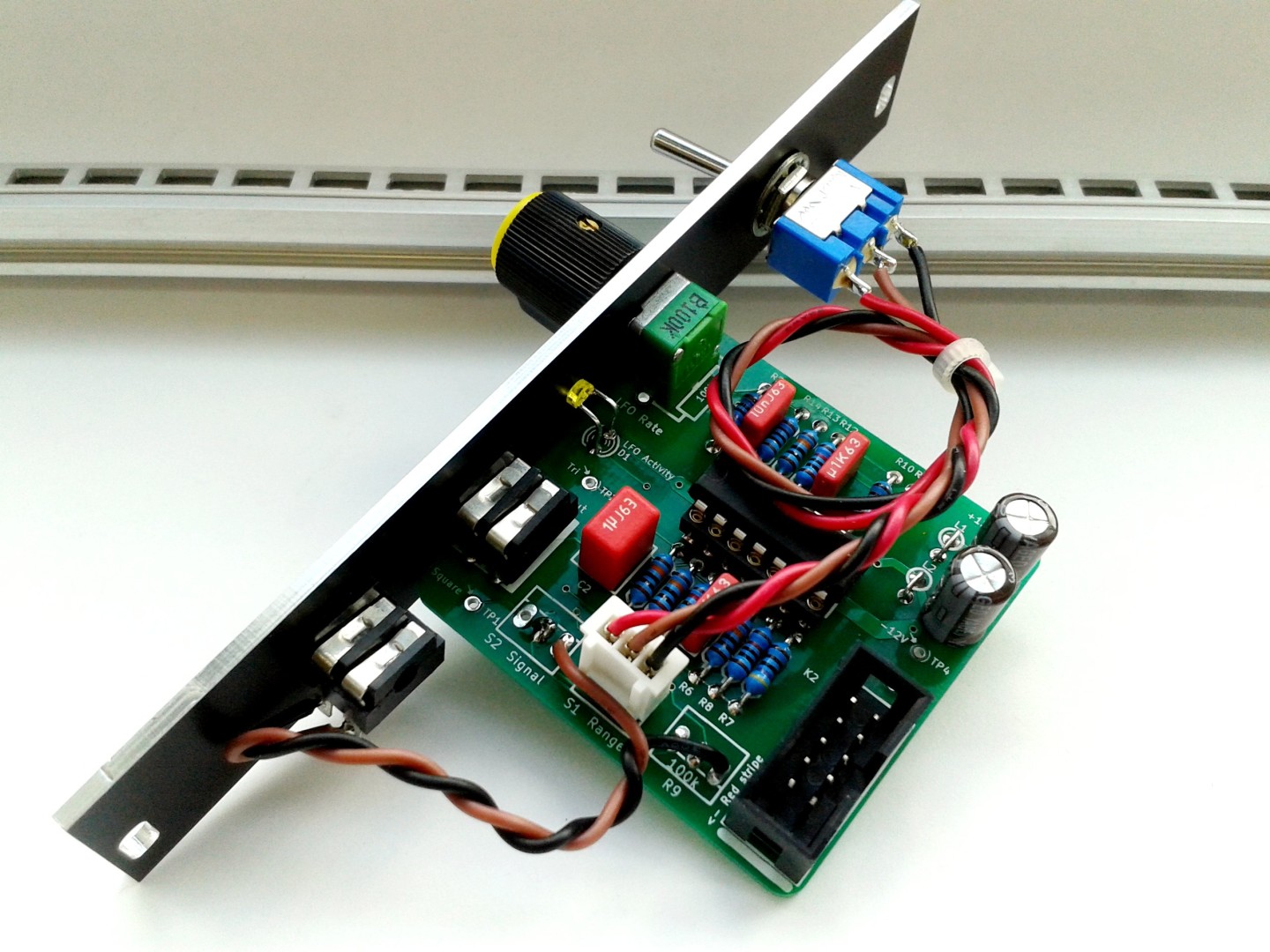
I’m working on improving my projects’ “documentation and build instructions”.
This is the next update:
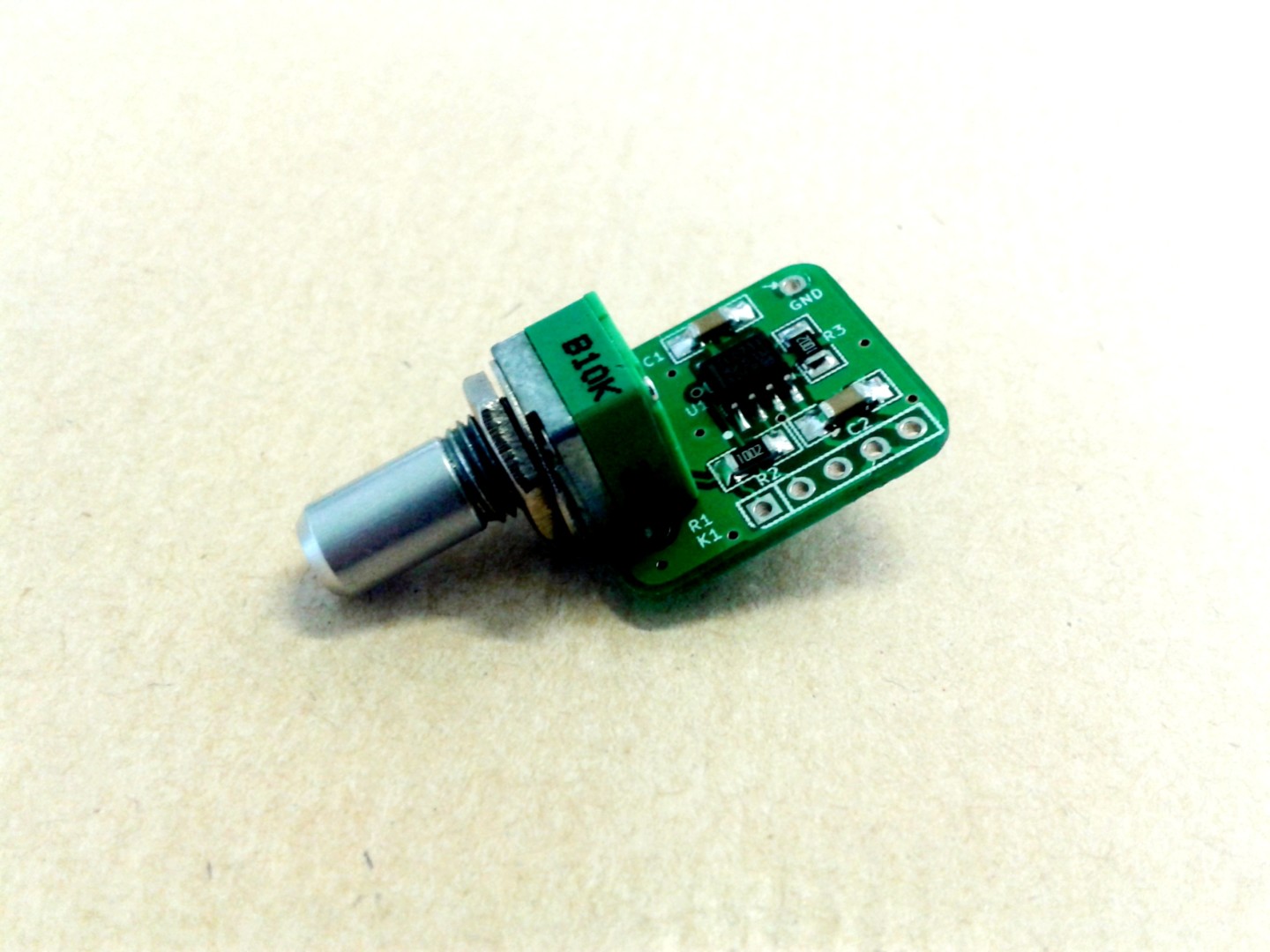
This is an updated documentation and build instructions for the Attenuator-Inverter module:
A friend gave me an old defective ITT MX20 Multimeter.
The multimeter is still currently sold under various brands. It’s a very rugged, IP66, electricity oriented multimeter.
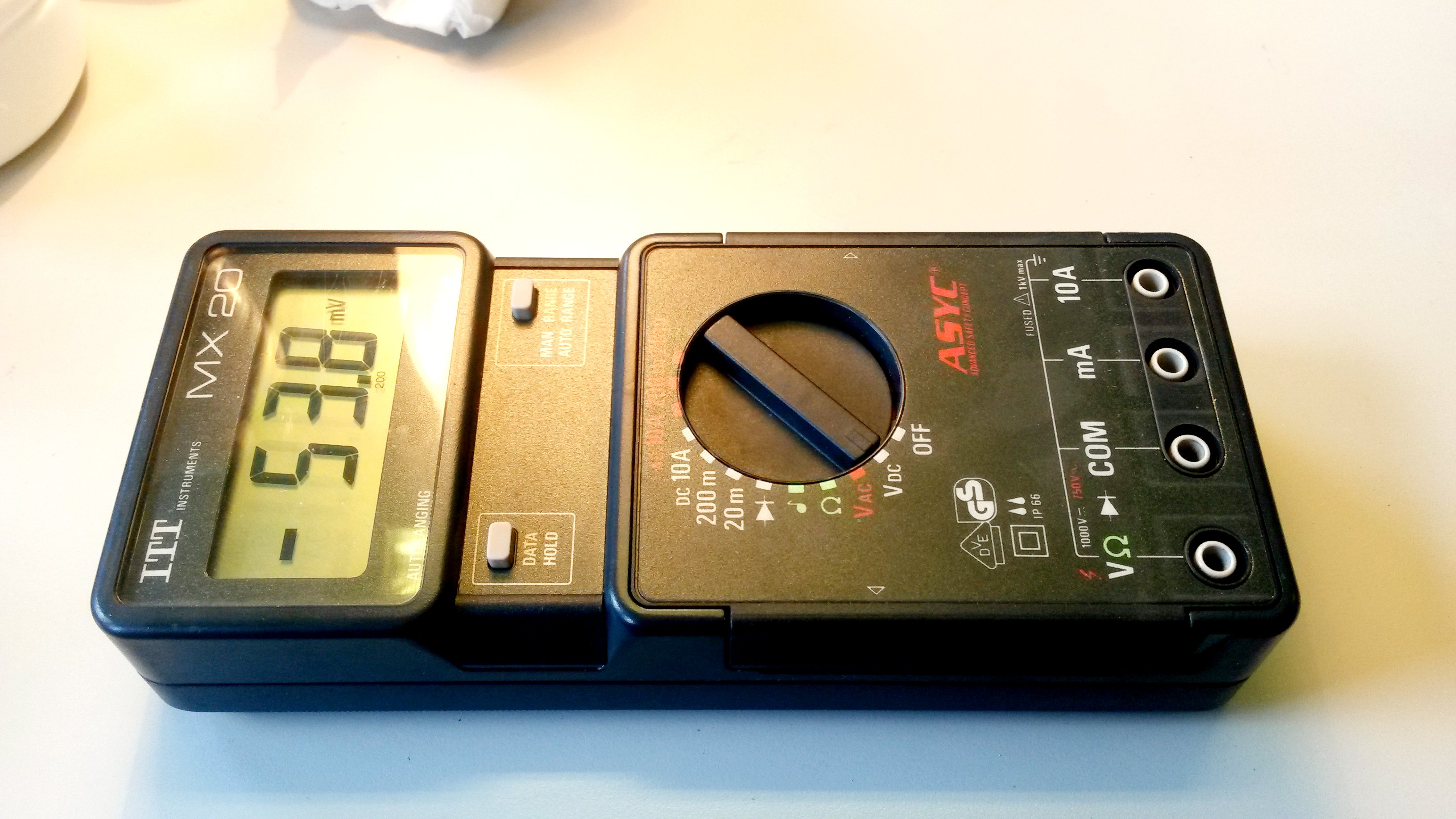
Continue reading ITT MX20 Multimeter Teardown and refurbishment
In my previous entry on how to generate a BOM in KiCad 4, I wrote about “KiCad BOM Wizard” from hashdefineelectronics.com which can produce both CSV and HTML output.
Their website is well documented. But I wasn’t able at first to use that script on my Ubuntu (xubuntu 16.04).
Continue reading “KiCad BOM Wizard” error on Ubuntu 16.04
I’m switching from KiCad 3 to KiCad 4.
While version 3 offered a simple, quite un-customizable, CSV generated BOM, version 4 now only offers a raw XML export.
As KiCad website says:
BOM generation is extensible via Python scripts or XSLT, which allows many configurable formats.
“many configurable formats” This is great! It’s even possible to use any program or language other than Python and XSLT to translate the XML in whatever format pleases you.
The downside is, it requires additional steps before you can actually generate a BOM. It seems a bit complicated but it’s not. Read below.
Unfortunately, the PSU you just bought isn’t adequate for your Eurorack system?
It’s common to be confused by the “-V” label.
Yes, “-V” on a PSU is a “negative” output, but only compared to the positive output. Your synth needs more!
So, what is the difference between “-V” and “ground”? How to select and use a proper power supply for your Synth?
Continue reading Ground is Not your Negative Rail
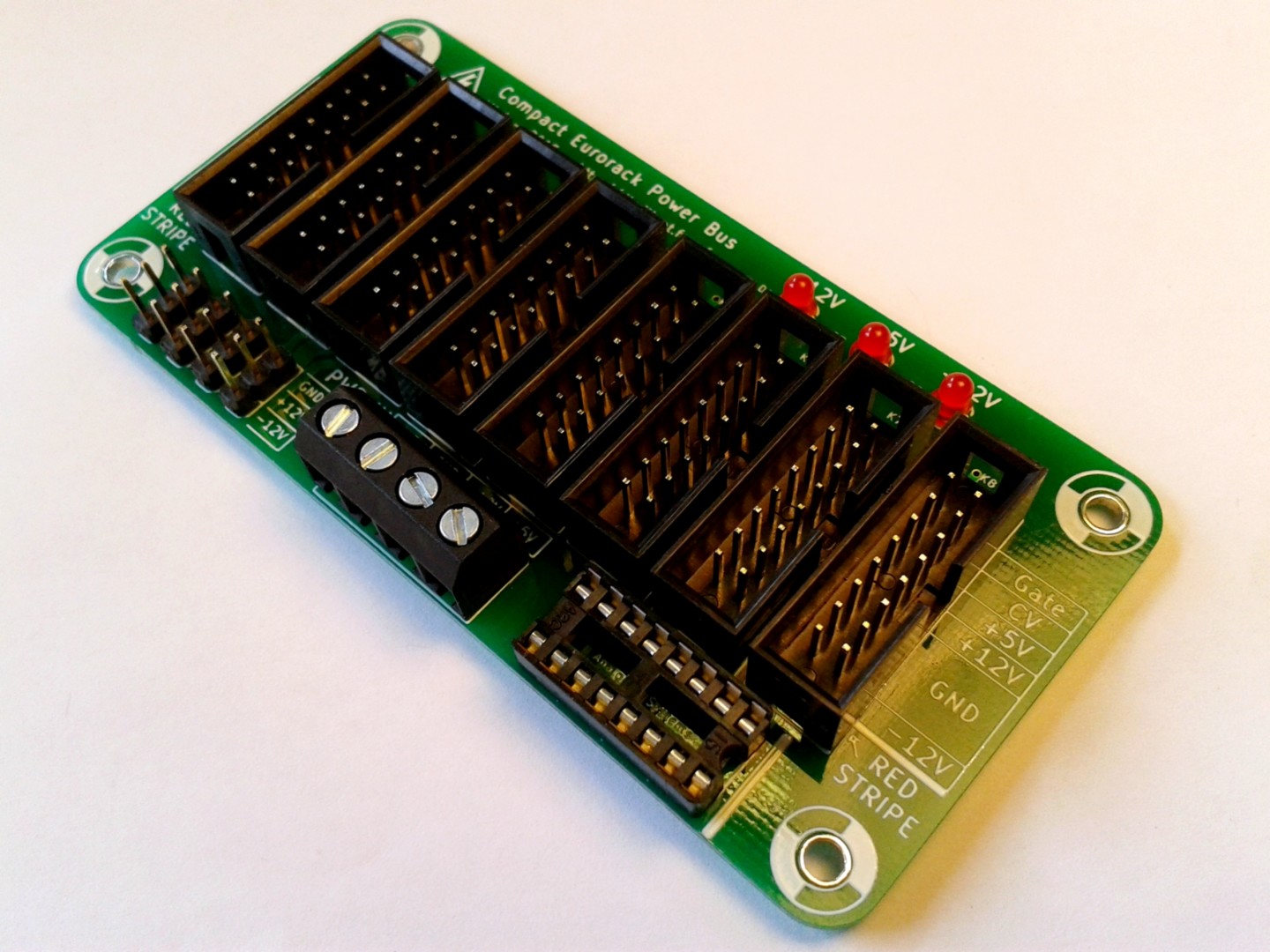
It is time for an update of the Compact Eurorack Power Bus! This is version 1.1!
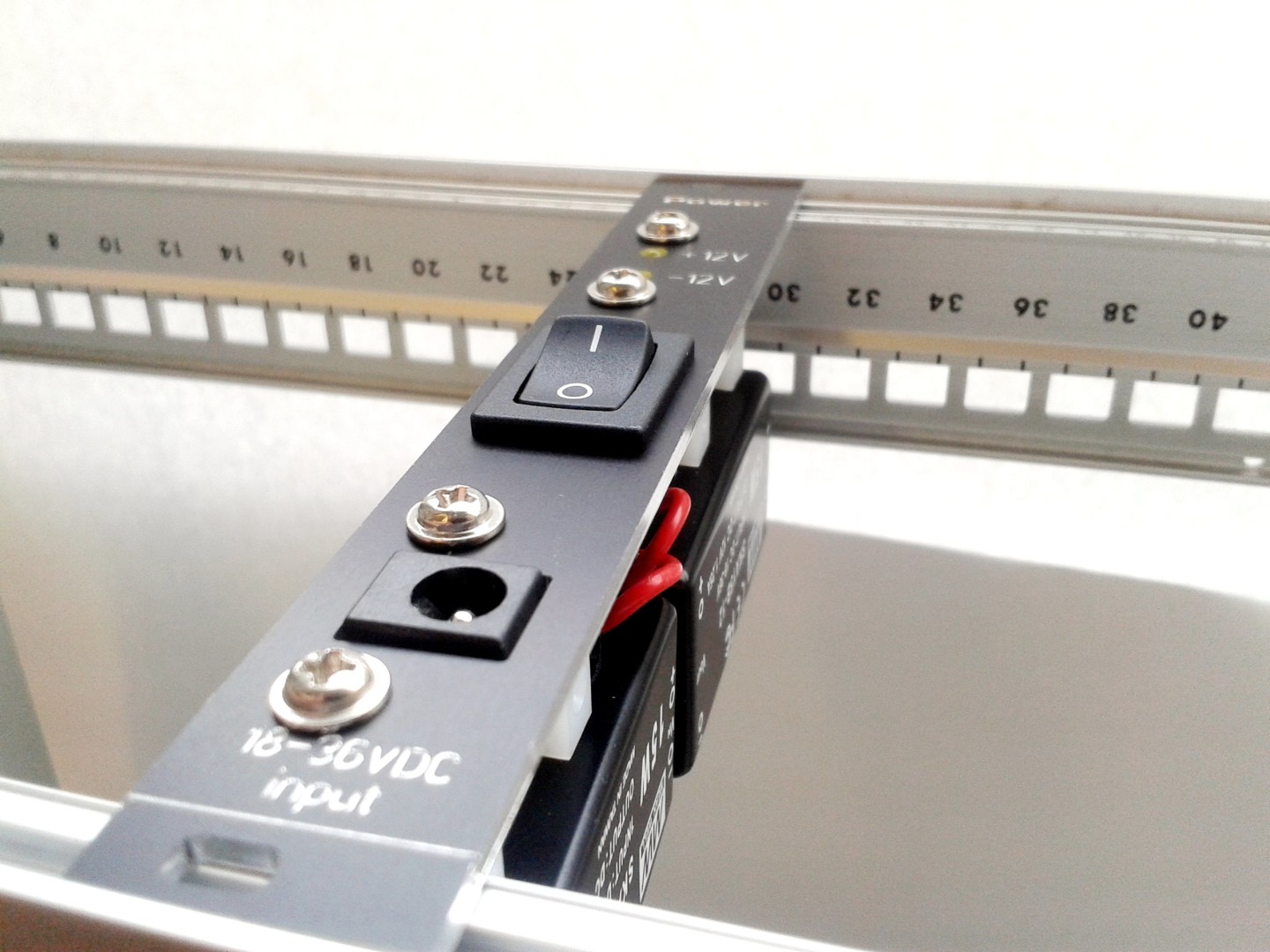
The SMPS (Switched Mode Power Supply) is a Eurorack, panel mounted, PSU project.
Continue reading Switched Mode Power Supply, first tests